City Builder Basics: Zoning, Services, Budgets and Growth
How modern city builders model a city: zoning and demand, utilities, service coverage, land value, taxes and budgets, and why cities stall.
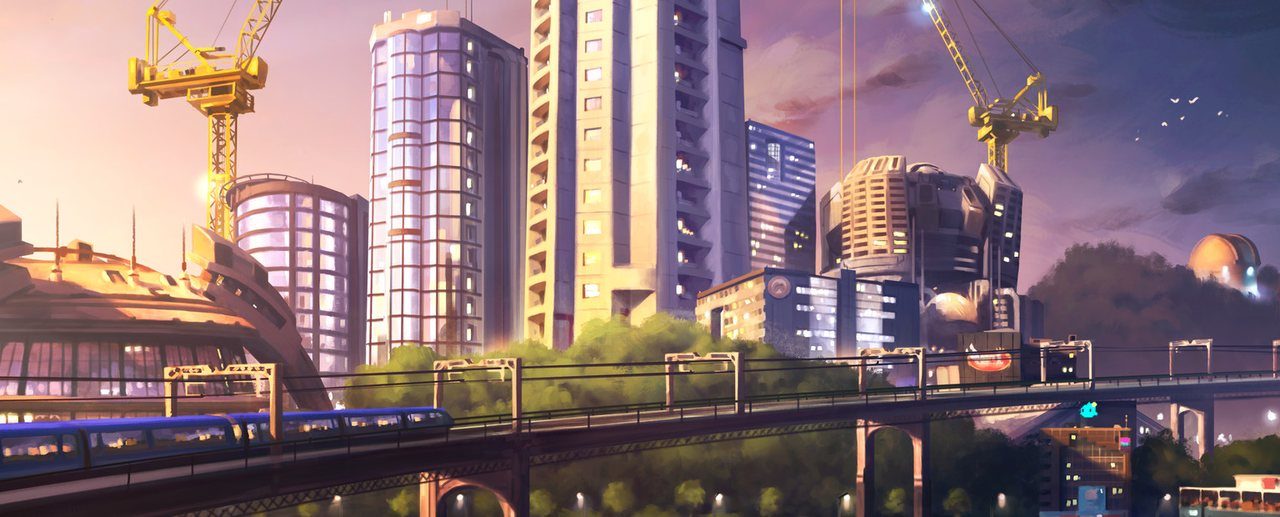
City builders give you a blank map and an impossible job: be mayor, city planner, utility company, police chief and treasurer all at once. The genre has been doing this since Will Wright’s SimCity arrived in 1989, and while graphics and scale have changed enormously, most city builders still model a city with the same handful of systems. Understand those systems and you can sit down with almost any city builder, from SimCity to Cities: Skylines II, and quickly work out why your town is booming or why it has ground to a halt.
This primer covers zoning and demand, utilities, service coverage, land value, taxes and budgets, and the feedback tools games give you. It also explains how “needs-based” builders like the Anno series take a different approach, and finishes with the most common reasons cities stall.
Zoning: Telling the City What It Can Become
In a classic city builder you do not place houses and shops one by one. Instead, you zone land for a type of use, and the simulation fills it with buildings when there is demand. The three traditional zones are:
- Residential: where your citizens live. Residents provide the workforce and pay taxes.
- Commercial: shops and services that sell goods to residents and employ some of them.
- Industrial: factories and extraction that employ workers and produce goods.
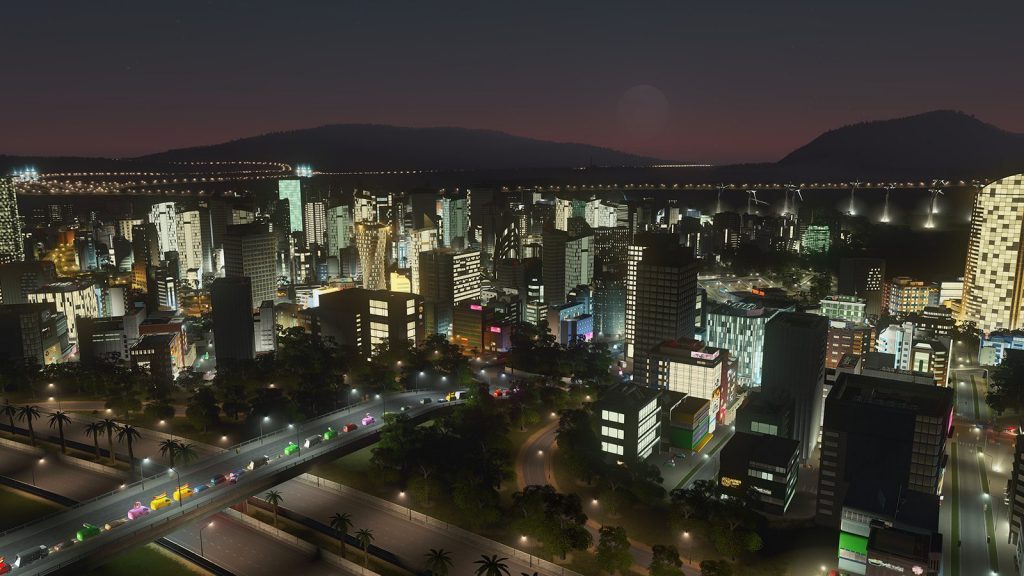
SimCity established this residential-commercial-industrial split in 1989, and it remains the backbone of the genre. Later games add variations. The original Cities: Skylines (2015) added office zones and lets districts restrict what kind of development appears. Cities: Skylines II (2023) added new categories such as low-rent housing and mixed-use residential and commercial zones.
Density
Many games split zones into low and high density. Low-density residential becomes suburbs; high-density becomes apartment blocks. High density packs more people and jobs into less space but usually needs more services, stronger utilities and better transport.
Demand: The Engine of Growth
Zoning only works if there is demand. Most city builders track demand for each zone type, often displayed as bars or meters. The logic is intuitive:
- Jobs attract residents, so new industry and commerce push residential demand up.
- Residents need jobs and shops, so a growing population raises commercial and industrial demand.
- Commerce needs goods, which come from industry or imports.
The core skill is keeping these in balance. If you zone lots of homes with no jobs, residents become unemployed and stop moving in. If you zone industry with nobody to work in it, factories sit empty or struggle. Watching the demand indicators and zoning a little of whatever is in highest demand is the simplest way to keep a young city growing.
Utilities: Power, Water and Waste
Buildings will not develop without basic infrastructure. In SimCity, a building without power will not thrive, and the original game required you to connect zones to a power grid. Modern builders expand this into several networks:
- Electricity: power plants or renewable sources connected through lines or adjacency.
- Water and sewage: pumping stations, water towers or treatment plants, plus pipes. In Cities: Skylines, placing a sewage outlet upstream of your water intake is a classic mistake that poisons your own supply.
- Garbage: landfills, incinerators or recycling that must keep up with population.
Utilities are cheap to neglect early and expensive to fix later. A good habit is to build capacity slightly ahead of your needs and check the utility overlays whenever you expand.
Services and Coverage
Once basics are in place, citizens expect services: police, fire, health care, education, parks and eventually transit. Services in most city builders work through coverage. Each building serves an area or a capacity, and buildings within reach get the benefit.
In Cities: Skylines, new services unlock as the population grows, including schools, fire, police, health care, waste management and mass transit. In Cities: Skylines II, police and fire stations can be assigned to specific districts, and many service buildings can be upgraded with extensions rather than duplicated.
Coverage matters for two reasons. First, uncovered areas suffer: fires spread, crime rises, sick citizens stay sick. Second, services boost desirability, which feeds into land value and building upgrades.
Land Value and Building Levels
Land value is a hidden or semi-hidden score that reflects how desirable a location is. Parks, services, education and pleasant surroundings push it up; pollution, noise, crime and heavy traffic drag it down.
High land value is how cities “level up.” In Cities: Skylines, buildings gain levels based on local conditions; for example, a store improves when nearby residents are more educated. Higher-level buildings generally hold more people or jobs and pay more tax. Cities: Skylines II adds signature buildings, unlocked at milestones, that can raise land value in surrounding zones.
Land value cuts both ways. Very high values can push out lower-income residents or make some businesses struggle, which is one reason newer games added low-rent housing and more nuanced economic models.
Taxes and Budgets
Every service costs money to build and maintain. Your income comes mostly from taxes, plus fees and sometimes trade or tourism. SimCity let players set tax rates to fund development back in 1989, and the principle has not changed: raise taxes and growth slows; cut them and you may not afford your services.
Managing the budget
- Keep a margin. A small positive balance protects you against surprise costs.
- Do not overbuild services. A hospital in a town of a few thousand is an expensive way to cover a handful of patients.
- Use districts and policies. Cities: Skylines lets districts have their own tax rates and policies, so you can encourage specific development where you want it. Cities: Skylines II uses taxes, fees and ordinances that affect both growth and funding.
- Grow your tax base. Often the real answer to budget problems is more and higher-level buildings, not higher rates.
A Different Model: Needs-Based Builders Like Anno
Not every city builder uses zoning. The Anno series, including Ubisoft Blue Byte’s Anno 1800 (2019), puts you in charge of placing residences, production buildings and services directly. Instead of demand meters, growth is driven by citizen needs. Residents want specific goods and services, and when you satisfy them, they advance to higher population tiers with more complex wants.
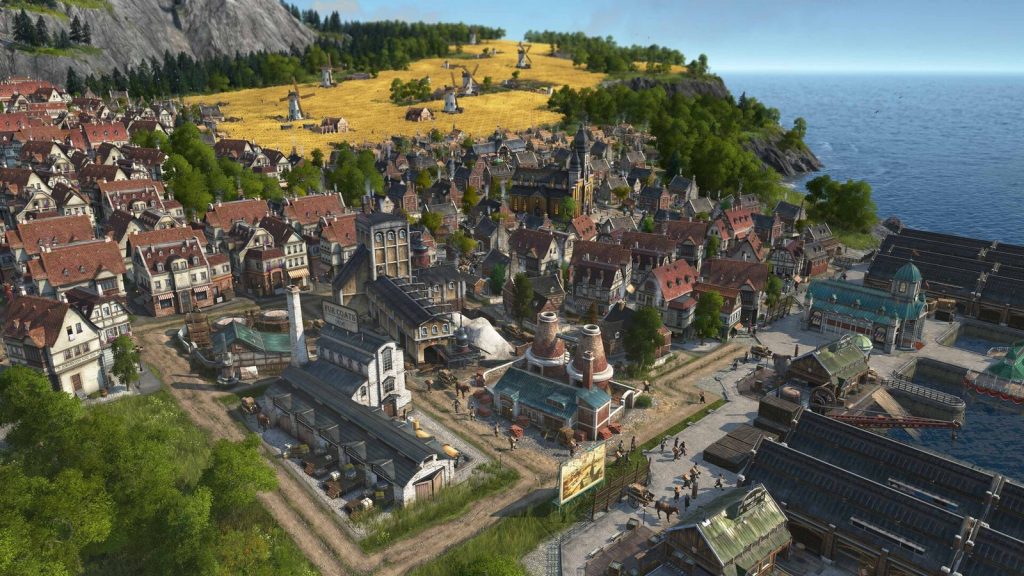
That turns city building into a logistics puzzle: production chains turn raw materials into finished goods, and some goods come only from other islands or regions, which requires trade routes. In Anno 1800, Old World workers want products that only a New World settlement produces. Industry also lowers a city’s attractiveness, so placement still matters.
It is a useful contrast: zoning games simulate a city’s organic growth around your infrastructure, while needs-based games ask you to build every link in the supply chain yourself. Even 4X games touch on similar ideas; our Civilization beginner’s guide explains how its cities turn tiles into yields.
Reading the Feedback Tools
City builders are full of information if you know where to look. Typical tools include:
- Info views or overlays for power, water, pollution, land value, crime, education, traffic and service coverage.
- Demand indicators for each zone type.
- Budget panels showing income and expenses by category.
- Citizen feedback, such as complaint icons above buildings or social-feed style messages.
- Statistics and graphs showing population, employment and economy over time.
When something goes wrong, check the relevant overlay before changing anything. A building with an icon above it usually tells you exactly what it lacks.
Why Cities Stall and How to Fix Them
Most stalled cities fall into a few patterns.
Demand imbalance
Residential demand at zero while commercial is high means you have too few shops or jobs, or too many homes. Zone what the meters ask for.
Missing infrastructure
Buildings abandoned or not developing? Check power, water, sewage and garbage. One overloaded plant can affect a whole district.
Education mismatch
In games that model education, well-educated citizens may refuse low-skill jobs, leaving industry understaffed even when population is high.
Traffic
Goods that cannot be delivered and workers who cannot reach jobs slow everything down. Traffic is so important in modern builders that it deserves its own guide, but the basics are a clear road hierarchy and good public transport.
Budget squeeze
If expenses outpace income, review service spending and look for underused buildings before raising taxes.
Starting Your First City
A simple opening works in most zoning-based city builders:
- Connect to the highway or map entrance with a sensible main road.
- Zone a modest residential area and a smaller amount of commercial and industrial, with industry away from homes.
- Provide power, water and sewage before zoning more.
- Add basic services as they unlock and as coverage gaps appear.
- Expand gradually, following demand rather than filling the whole map at once.
Two early mistakes are worth avoiding. The first is zoning huge areas at once: the simulation fills them faster than your services and budget can keep up, and problems arrive everywhere simultaneously. The second is laying out roads without thinking about future growth. A main road that seems generous for a village can become the city’s worst bottleneck once high-density zones arrive, so leave space for wider roads and transit corridors along your main routes.
The genre rewards patience. Cities grow best when you react to what the simulation is telling you, a little at a time. Once you can read demand, coverage and land value, you will spend less time firefighting and more time designing the city you actually want.