How to Fix Traffic in Cities: Skylines and Cities: Skylines II
Why traffic jams form in Cities: Skylines and Cities: Skylines II, and the vanilla fixes that work: road hierarchy, junction spacing, transit and cargo routing.
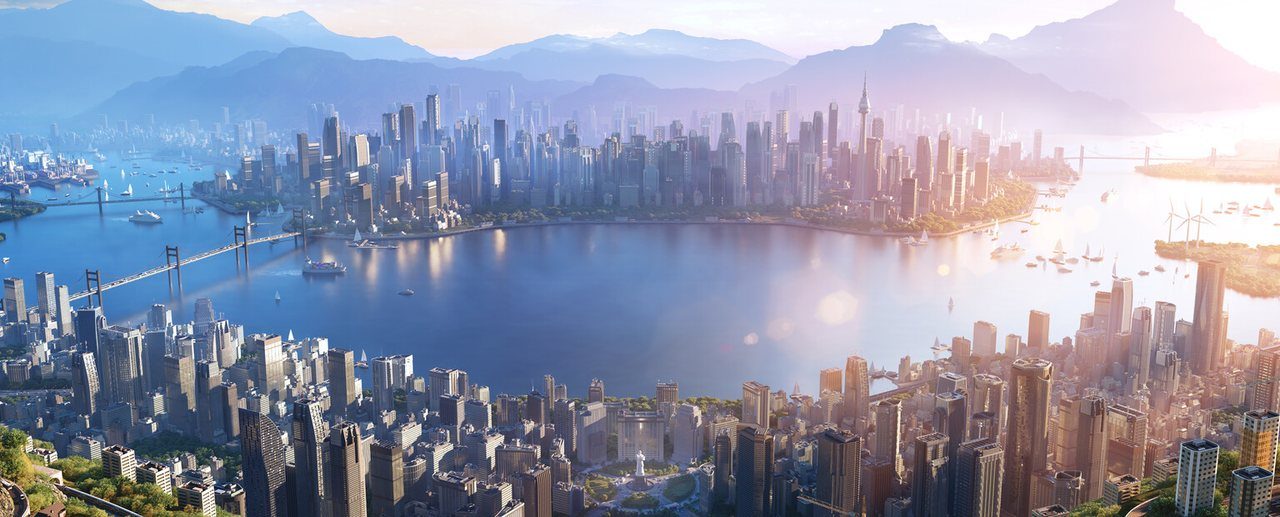
Every Cities: Skylines player meets the same moment. The city is growing nicely, then one intersection turns red, garbage trucks stop arriving, shops run out of goods and buildings start flashing abandonment icons. Traffic is the most visible problem in the series, and also the most misunderstood. Throwing more lanes at a jam rarely works, because jams usually come from how vehicles choose routes, not from how many lanes they have.
This guide explains how traffic agents think in the original Cities: Skylines (2015) and in Cities: Skylines II (released October 24, 2023), why certain layouts jam, and the fixes that work in the base game. If you are still learning how cities grow in general, start with our city builder basics, which covers zoning, services and budgets.
How Vehicles Choose Their Routes
Both games simulate individual vehicles and citizens traveling from an origin to a destination. The key difference between the two games is in how those agents pick a path.
The original Cities: Skylines
In the first game, a vehicle plans its entire route, including which lanes it will use, at the moment it sets off. According to the official Cities: Skylines wiki, that route is always the fastest legal one, calculated as if the roads were empty. The fastest route is usually the shortest, but vehicles will take a longer path if faster roads make it quicker.
Two consequences follow:
- Vehicles do not react to congestion. They keep their planned path and lanes even when traffic builds up, and only reroute if the path becomes impossible, for example when you delete a road.
- New bypasses are not used automatically. A new road only helps if it is faster than the old route on empty roads. Because routes are planned in advance, a freshly built road may not see traffic straight away.
Lane choice is also planned. Vehicles move into turn lanes well before their turn, regardless of traffic. That is why a junction placed too soon after another one jams: everyone wants to be in the same lane at the same time.
Cities: Skylines II
Cities: Skylines II uses a more nuanced cost model. The game’s wiki describes four aspects that make up the pathfinding cost: time, comfort, money and behavior. Different citizens weigh them differently; for example, adults care most about time, seniors about comfort and teenagers about money. Behavior affects willingness to make riskier moves such as U-turns.
Agents in the sequel also react to events. They can change lanes to avoid a crash or a stopped service vehicle, give way to emergency vehicles on multilane roads, and recalculate routes or turn around if a blockage lasts too long. Accidents are possible too, with risk calculated per road segment and raised by poor road condition, darkness and bad weather.
The upshot: in the original game, you fix traffic mostly by shaping which route is fastest on paper. In the sequel, you also shape costs such as parking fees and comfort, and the city responds somewhat more dynamically.
Why Traffic Jams Form
Most jams come from a short list of design problems.
Single connections
If an entire district connects to the rest of the city through one road or one highway ramp, every trip in or out uses it. Adding lanes helps briefly, but the real fix is a second or third connection, so traffic can spread.
Junctions too close together
The original game’s wiki is explicit: intersections slow traffic, and a queue at one junction can spill back and block another, creating a cascade. Short road segments also leave too little room for vehicles to get into the right lane.
Everything on the highway
When the highway is the fastest route for every trip, local journeys use it too. Short hops on and off the highway create weaving and ramp congestion. A good local road network lets short trips stay off the highway.
Cargo flowing through the city
Industrial zones generate heavy truck traffic. If trucks must cross residential or commercial areas to reach the outside connection, they clog roads meant for commuters.
Service vehicles stuck in the same queues
Garbage trucks, hearses and ambulances need the same roads. When they are delayed, problems spread beyond traffic: uncollected garbage, unhealthy citizens and dissatisfied businesses.
Fix 1: Build a Road Hierarchy
Real cities use a hierarchy of roads, and it works just as well in Cities: Skylines:
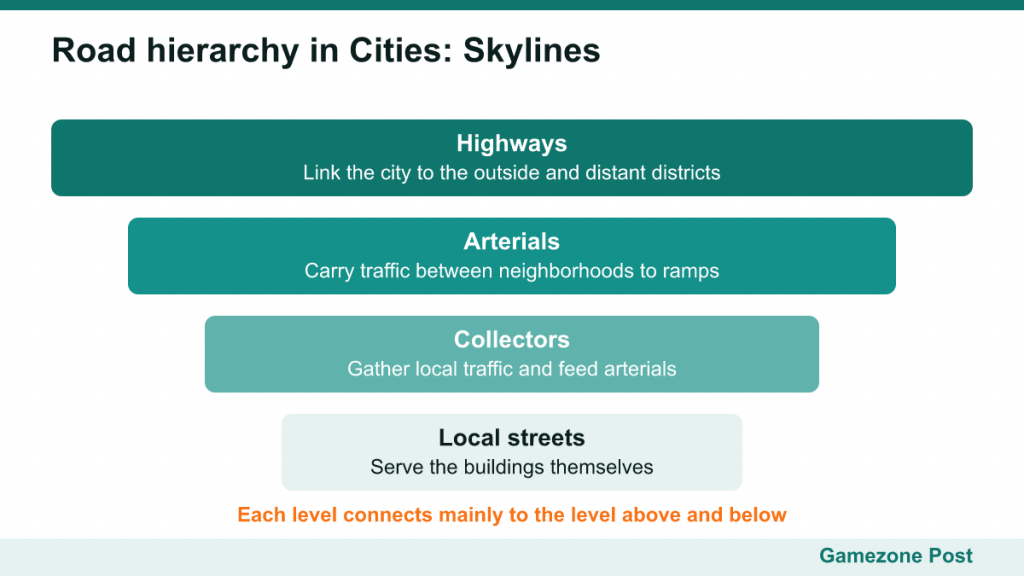
- Highways connect the city to the outside and link distant districts.
- Arterials (wide, fast avenues) carry traffic between neighborhoods and feed highway ramps.
- Collectors gather traffic from local streets and deliver it to arterials.
- Local streets serve the buildings themselves.
The goal is that each level connects mainly to the level above and below it. Local streets should not connect directly to highways, and arterials should have fewer junctions than local roads. The original wiki notes that spacing intersections further apart lets vehicles keep higher speeds on major roads, and that having fewer intersections can lengthen some trips but often speeds up overall flow.
One-way roads are another useful tool. They double the lanes in the intended direction and simplify junctions, especially in dense downtown grids.
Fix 2: Improve Junctions and Lanes
Once the hierarchy is right, look at individual junctions.
- Space junctions out on busy roads so turn queues do not reach the previous intersection.
- Use roundabouts where several roads meet. The original game’s wiki describes them as often a good fix, though not always: a roundabout overloaded with traffic from one direction can still jam.
- Toggle traffic lights and stop signs. In the original game, the Junctions tab of the Traffic Routes info view lets you switch lights and stop signs at intersections. Removing lights where a smaller road meets a major one can keep the main flow moving.
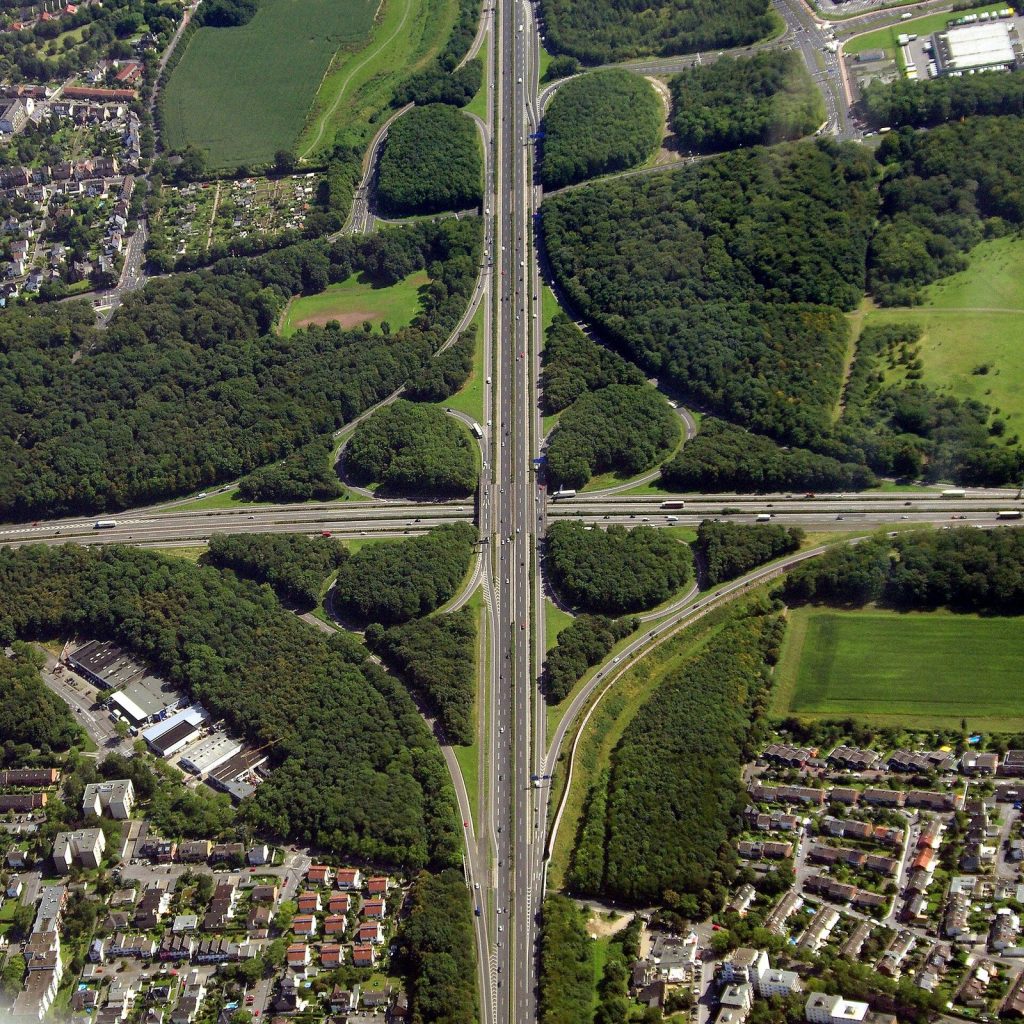
- Use interchanges where highways meet or where an arterial crosses a highway. Grade separation removes conflicts entirely.
- Avoid unnecessary connections. Sometimes deleting a road improves flow, because it pushes traffic onto longer routes with more capacity.
Fix 3: Public Transport
The most efficient vehicle is the one that never leaves a garage. Public transport replaces private car trips, and both games offer buses, trams, trains, metro and more.
Tips that apply to both games:
- Connect the places people actually travel between: residential areas to jobs, shops and transport hubs.
- Use metro or dedicated lanes for high volumes. Buses on congested roads get stuck like everyone else.
- Do not oversaturate. The original game’s wiki warns that too many buses or trams in a small area can cause congestion themselves.
- Use policies. The original game’s Free Public Transport policy encourages ridership, and removing street parking or adding bike lanes can push citizens toward transit.
In Cities: Skylines II, citizens weigh transit stops as part of their route planning, and parking fees feed into the money aspect of their pathfinding costs, so pricing and parking are part of your transport toolkit.
Fix 4: Route Cargo Away From Commuters
Cargo deserves special attention because trucks are long, slow and numerous.
- Give industry a direct highway link so imports and exports do not cross the city.
- Use cargo trains, harbors and cargo hubs to move freight off roads, but place them carefully: the original wiki notes that cargo stations can create heavy truck traffic around themselves.
- Ban heavy traffic in sensitive districts with the Heavy Traffic Ban policy in the original game, which pushes industrial vehicles onto other routes.
- Keep supply local in Cities: Skylines II. Delivery costs rise with distance, so companies favor local sales, and exporting goods to outside connections is expensive. Locating commerce near the industry that supplies it helps both traffic and economy.
Reading the Traffic Tools
Both games have traffic overlays. In Cities: Skylines II, the traffic info view shows a green-to-red gradient for flow, plus a Traffic Volume option. The original game has a traffic info view and a Traffic Routes tool that shows where vehicles passing through a chosen road segment or building come from and go to.
Use them before you rebuild anything. Red roads show where the queue is, but the cause is often upstream: a junction that empties into the jam, or a single highway exit that every trip relies on. Following routes back to their origin tells you which connection is missing.
A Quick Diagnostic Checklist
- Is the jammed road the only connection to an area? Add another.
- Are junctions too close together? Remove or space them.
- Are local trips using the highway? Strengthen the local arterial network.
- Are trucks crossing residential zones? Give industry direct access and use cargo transport.
- Is transit overloaded or stuck in traffic? Upgrade capacity or separate it from cars.
- In the original game, did you just build a bypass that nobody uses? Remember that routes are planned on empty-road speed and may take time to shift.
A Word on Mods
Both games have active modding communities. The original game uses Steam Workshop, while Cities: Skylines II uses Paradox Mods, which launched in March 2024. Traffic-management mods are popular in the original game for adjusting lane connections and junction rules. They can be powerful, but the base-game principles in this guide come first: a city with a good road hierarchy and strong transit needs far less micromanagement, with or without mods.
Traffic in Cities: Skylines is ultimately a design problem rather than a capacity problem. Give vehicles sensible, layered choices, keep freight away from commuters and offer good alternatives to driving, and the red lines on your map will turn green far more reliably than any extra lane ever could.